
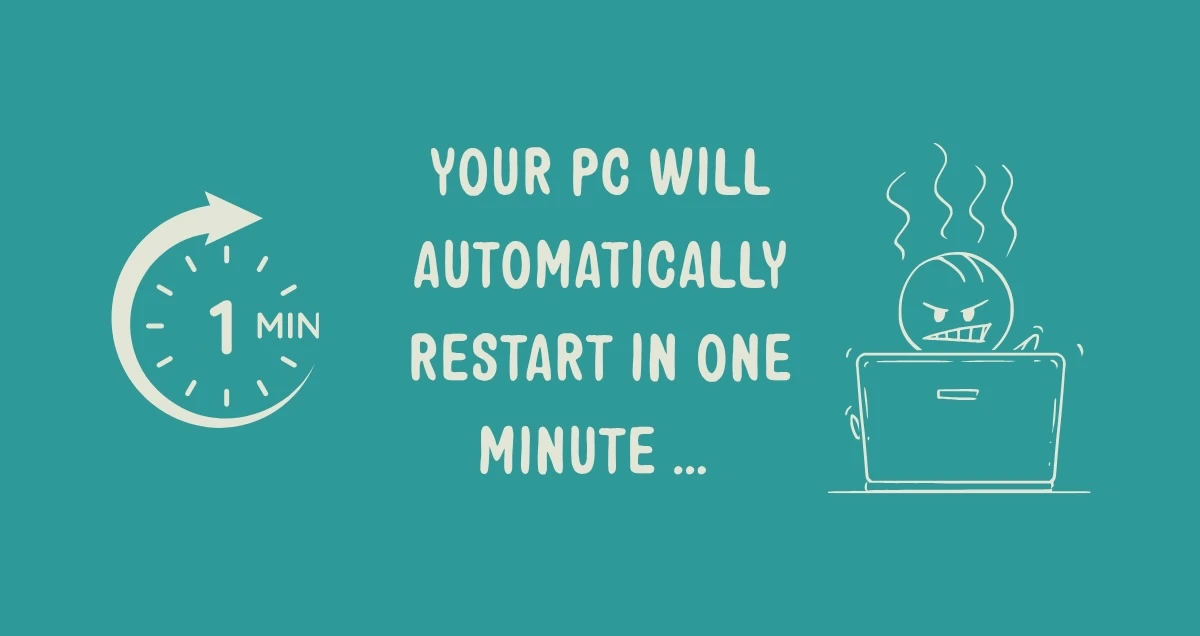
what’s that red blob sat in the corner of your screen, quietly judging you?
Or that little pop-up asking you to restart and update which without fail, always seems to appear at the worst possible moment. It’s boring, it takes time you don’t have, and it’s tempting to just click “remind me later” and get on with your day.
Yes, it’s an update. And no, ignoring it does not make it go away. It just makes it more annoyed.
But putting off updates is one of the easiest ways to leave your business exposed. Here’s why that little red blob matters more than it seems.
what an update does
All software, whether it’s your operating system, your web browser or an app you use every day, is written by people. And people make mistakes. When software is built, small errors sometimes get left in the code without anyone realising.
Some of these errors are just annoying, like a button that doesn’t quite work. But others create a vulnerability that a criminal can use to get into your device or your systems, often without you ever knowing they were there.
Once a business or a security researcher spots one of these vulnerabilities, the software company writes a fix for it. That fix gets sent out to you as an update. In plain English: an update is a patch, sewing up a hole that’s been found in the software, before someone with bad intentions can climb through it.
🕵🏽♀️ why skipping updates is riskier than it feels
Here’s the part that catches a lot of businesses out. Whilst they’re busy deferring the updates, they’re leaving themselves increasingly vulnerable to attack.
An unpatched device isn’t just slightly behind. It’s now a target waiting to be hit, with a fault that’s publicly documented and easy to exploit. Leave it too long, and you’re not just risking a slow computer. You’re risking a break-in, a ransomware attack, or someone else quietly reading your business’s data without you ever noticing.
🔐 small habit, big protection
The good news is that keeping on top of updates doesn’t take much effort. It just takes consistency.
✅ Turn on automatic updates wherever you can, so you’re not relying on remembering
✅ Restart your devices regularly. Many updates only finish installing once the device restarts
✅ Don’t ignore updates for your phone, browser and everyday apps, not just your computer
✅ For manual updates, set a regular schedule rather than waiting for a convenient moment
a small inconvenience beats a big one
Yes, updates are annoying. But a five-minute restart is a small price compared to the time, money and stress of recovering from an attack that a simple update would have prevented.
If you’re not sure whether your systems are genuinely up to date, or you’d like help making updates something that happens automatically rather than something your team has to remember, we’re happy to help.
Book a 10-minute discovery call and we’ll show you how to make sure nothing slips through the gaps.